

Simulated stream
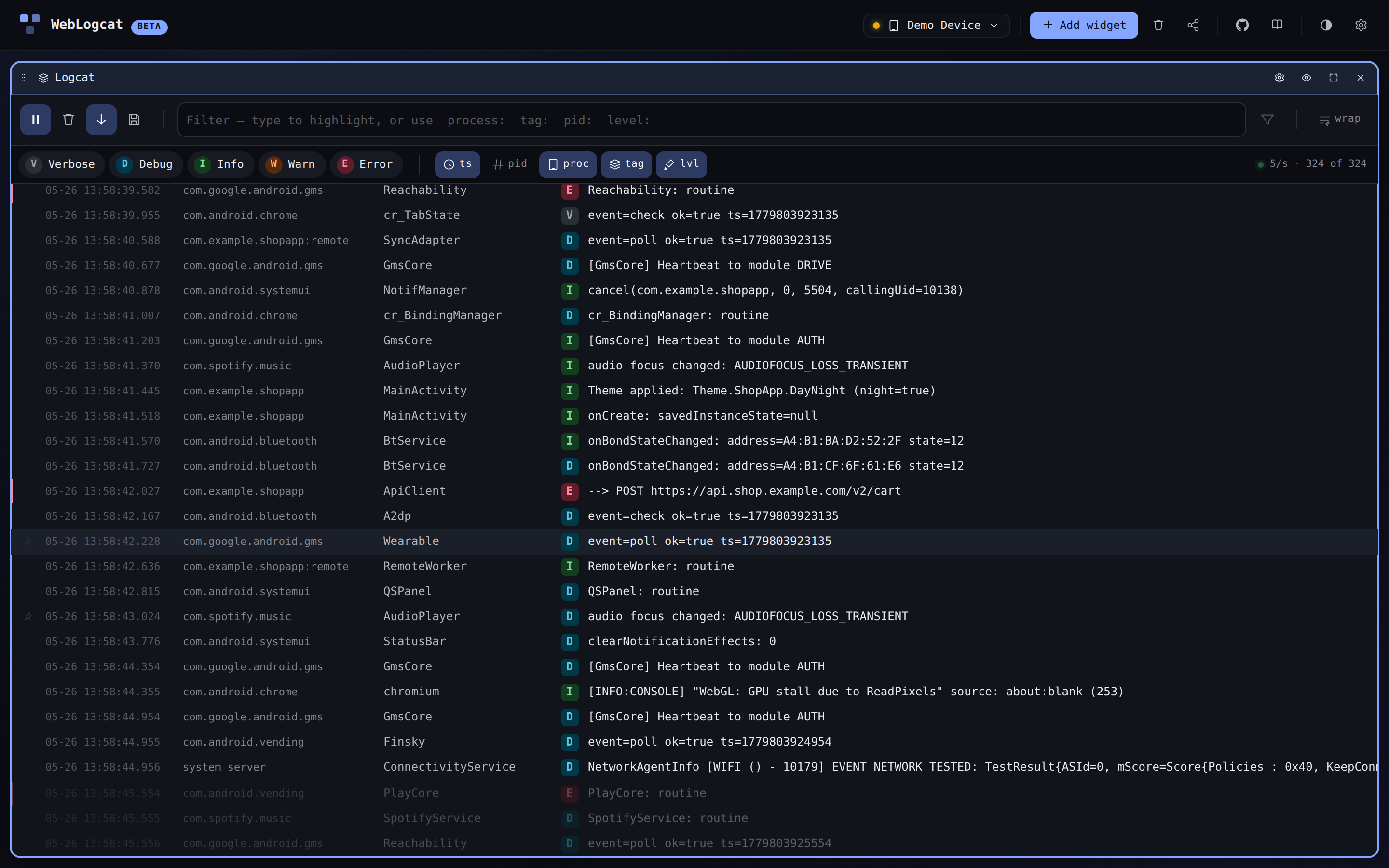
Click fake data on the empty state to swap a real device for an in-memory simulator. Every widget keeps working — Logcat replays a synthetic event stream, Shell answers a few common commands from a host-side fake, Dumpsys serves canned output, Files browses an in-memory tree, and Mirror renders a static device home screen.
Why use it
- Try the app without a phone. Useful for evaluating the dashboard, sharing screenshots, or designing a layout you'll use later on real hardware.
- Demo / docs. Every screenshot in this site is captured against the simulator (with the exception of real-device-only flows, which are flagged).
- Tests. WebLogcat's e2e suite drives every widget through the simulator path because real WebUSB cannot be exercised in headless CI. See test-sync rules for the contract.
What's faked
| Widget | Source |
|---|---|
| Logcat | lib/logGenerator.ts — synthesises ~5–20 entries / sec across realistic packages and tags. |
| Shell | lib/shellSim.ts — recognises a small set of built-ins (pwd, ls, cat, whoami, etc.) and a tiny in-memory FS under /sdcard/. |
| Dumpsys | Captured fixtures for each preset, parsed by the same code path the real output uses. |
| Files | An in-memory tree rooted at /sdcard/ with a few canned files. |
| Mirror | A static mirror-home.png framed inside the bezel chrome. |
The badge in the lower-right corner of the dashboard reminds you that you're on simulated data. Switching back to a real device is one click in the device picker.
Stream speed
The simulator emits log entries at a configurable rate. Open the global settings cog and adjust Simulated stream speed between trickle (~1/s) and firehose (~50/s) — useful for stress-testing the Logcat widget.
Limitations
The simulator is intentionally shallow — it's a stand-in for "the app works", not a faithful Android emulator. Expect:
- No real
adbsemantics: the shell built-ins don't cover the full toolbox;find,grep, and friends aren't there. - No real Mirror feed: the canvas shows a static image so the widget chrome can be inspected.
- No real Files transfers: drag-out / drag-in are no-ops in the simulator.
For the real flows, pair an Android device — see connecting.