

Dumpsys
dumpsys is Android's general-purpose service introspection command — it'll happily print thousands of lines about a service's internal state. The Dumpsys widget wraps the most common services in presets, runs the underlying command, and renders the result as either parsed cards or the raw output.
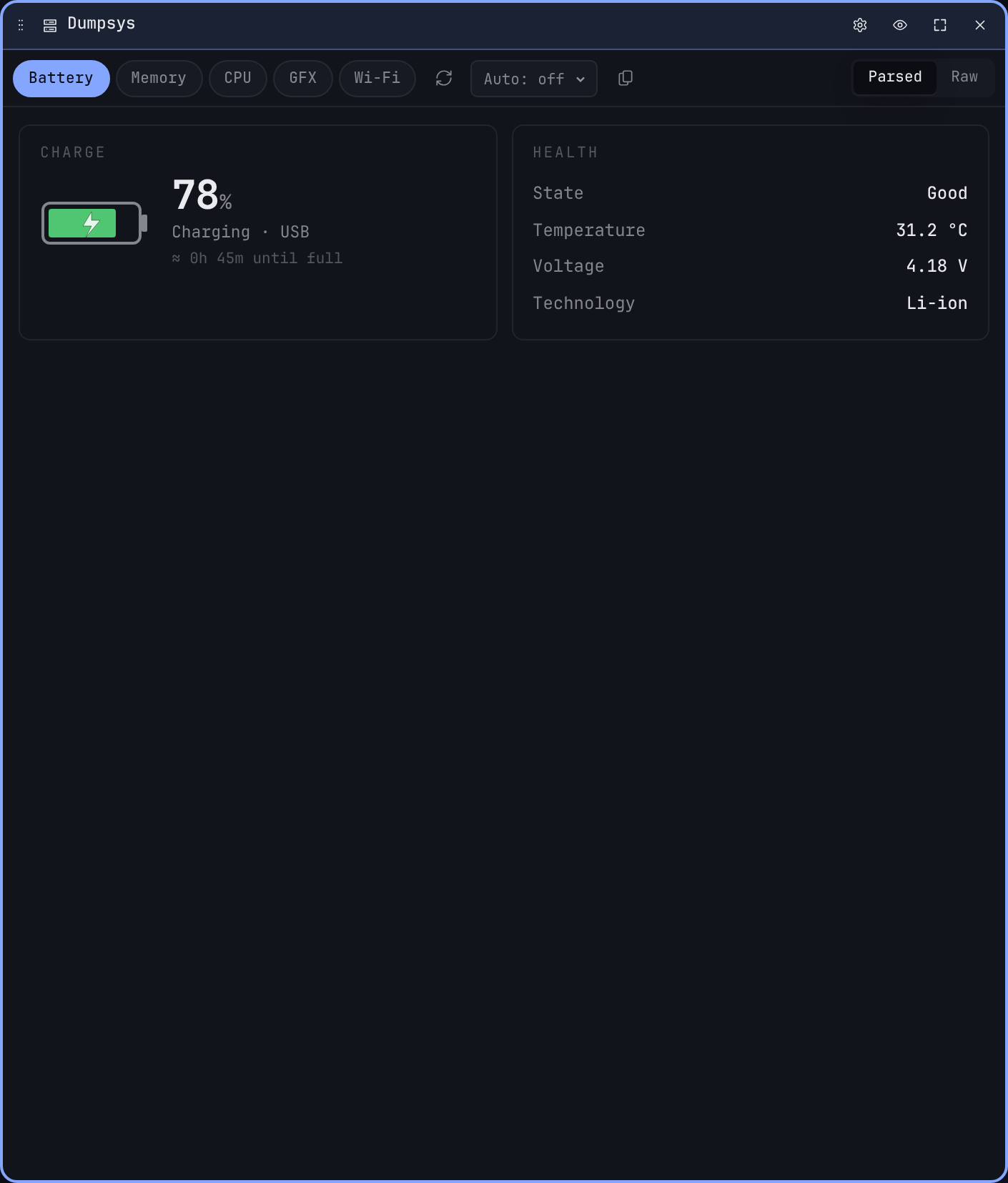
Presets
The pill row at the top of the widget chooses what to dump:
| Preset | Service | What you get |
|---|---|---|
| Battery | battery | Charge state, level, voltage, temperature, plugged status. |
| Memory | meminfo | System memory summary, top RAM consumers, oom_adj buckets. |
| CPU | cpuinfo | Per-process CPU usage, load averages. |
| GFX | gfxinfo | Frame timing histogram, jank percentage, render thread stats. |
| Wi-Fi | wifi | Connected SSID + BSSID, signal strength, supplicant state, scan cache. |
Each preset has bespoke parser logic that picks out the fields most people actually look at.
View modes
A segmented control flips between two renderings:
- Cards — parsed, named, and laid out for skimming. The most useful signals (battery temperature, meminfo summary, current SSID) get their own cards; less interesting fields collapse under a more fold.
- Raw — the verbatim output of
dumpsys <service>. Useful for copying into a bug report or grepping for something the parser doesn't surface.
The view mode is per-tile and persists.
Refresh
The refresh icon re-runs the current preset. Output is not streamed — dumpsys takes a one-shot snapshot.
Per-widget settings
The cog opens a settings modal with:
- Default preset. Which preset the widget mounts on.
- Default view. Cards or Raw.
Two Dumpsys tiles can sit side by side with different presets pinned — one watching Battery, another watching GFX during a perf investigation.